
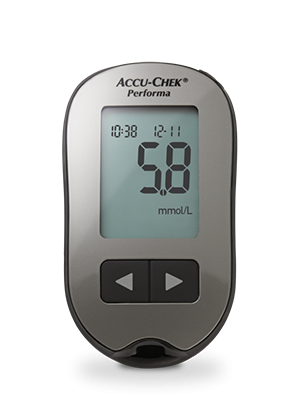
Getting Started with Accu-Chek Performa meter
Description
Setting up and using your Accu-Chek Performa system.
| Footnotes |
|---|
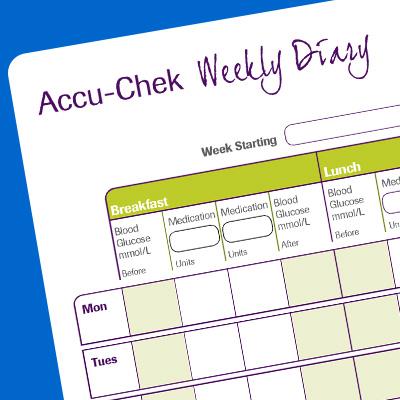
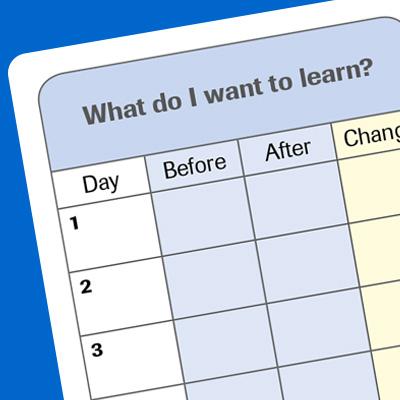
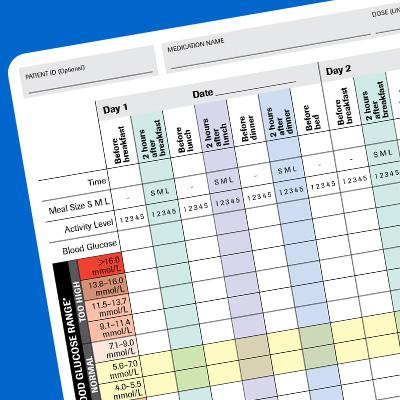
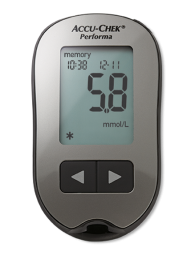
Even on the go, you can set alerts that remind you to test at the right time - freeing your mind for more enjoyable things. Stay on top of blood glucose levels and be reminded of important testing times - like after a meal, or before sleep. You can also share the information obtained using the markers with your healthcare team so that you can work together to support your diabetes management.
Product Manuals94 x 52 x 21 mm (LWH)
LCD
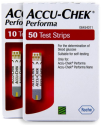
Performa test strip
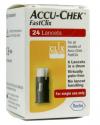
Accu-Chek FastClix
With its compact design and smart simplicity, the Accu-Chek Performa meter offers everyday ease, with everyday accuracy.
- No coding
- Large display for results that are easy to see
- Before and after meal marker
- Bundled with the Accu-Chek FastClix finger pricker for virtually pain free lancing
LCD
2 minutes
One 3-volt lithium battery (coin cell type CR2032)
Store meter (with batteries and test strips) at a temperature between +2°C and +30°C
500 blood glucose results and 20 control results with time and date
94 (L) x 52 (W) x 21 (H) mm
Approx. 59g (with battery)
Via infrared cable to Personal Computer (PC)
5 Seconds
0.6-33.3 mmol/L
0.6 µL
10-65%
Yes
Yes (up to 4 per day)
- Use the Accu-Chek FastClix finger pricker to obtain a drop of blood. Please follow the chapter in the reference manual on using the finger pricker.
- Insert a test strip into the meter. Symbols of a test strip and a flashing blood drop will appear on the display.
- Touch the drop of blood to the tip of the yellow end of the test strip.
- A flashing hourglass symbol and a beep will indicate that enough blood has been applied, and the result will appear on the display.
View the product support page for more detailed instructions and training videos on Accu-Chek FastClix finger pricker.